 Fur Affinity for iPhone & Android
This is an unofficial native app for the furaffinity.net website.
Connect with your furaffinity.net account and enjoy the furry community on your iPhone or Android phone! The app is free, ad-free and opensource.
Features
- Browse the latest submissions from your followed artists, add favorites and leave comments!
- Read and participate to artists journals.
- Check notifications, read and send private notes to users.
- Browse user profiles to check their content and eventually follow them!

 Installation from the European Union & Japan
Apple did not accept this application on its App Store, because it doesn't and cannot fit all of their review guidelines. However EU users can still install it through alternative app stores, since the introduction of the Digital Market Act in the EU in 2023 and iOS 17.4. Japanese users also have the same benefits since December 2025 and iOS 26.2. This is an official installation method and doesn't require any jailbreak.
The Fur Affinity app is currently distributed through AltStore PAL. If you live in the EU or Japan, we recommend this approach over the alternative one, since it is much simpler.
Installation steps
Note: all these steps must be done from your iPhone.
- 1. Download and install AltStore PAL*
-
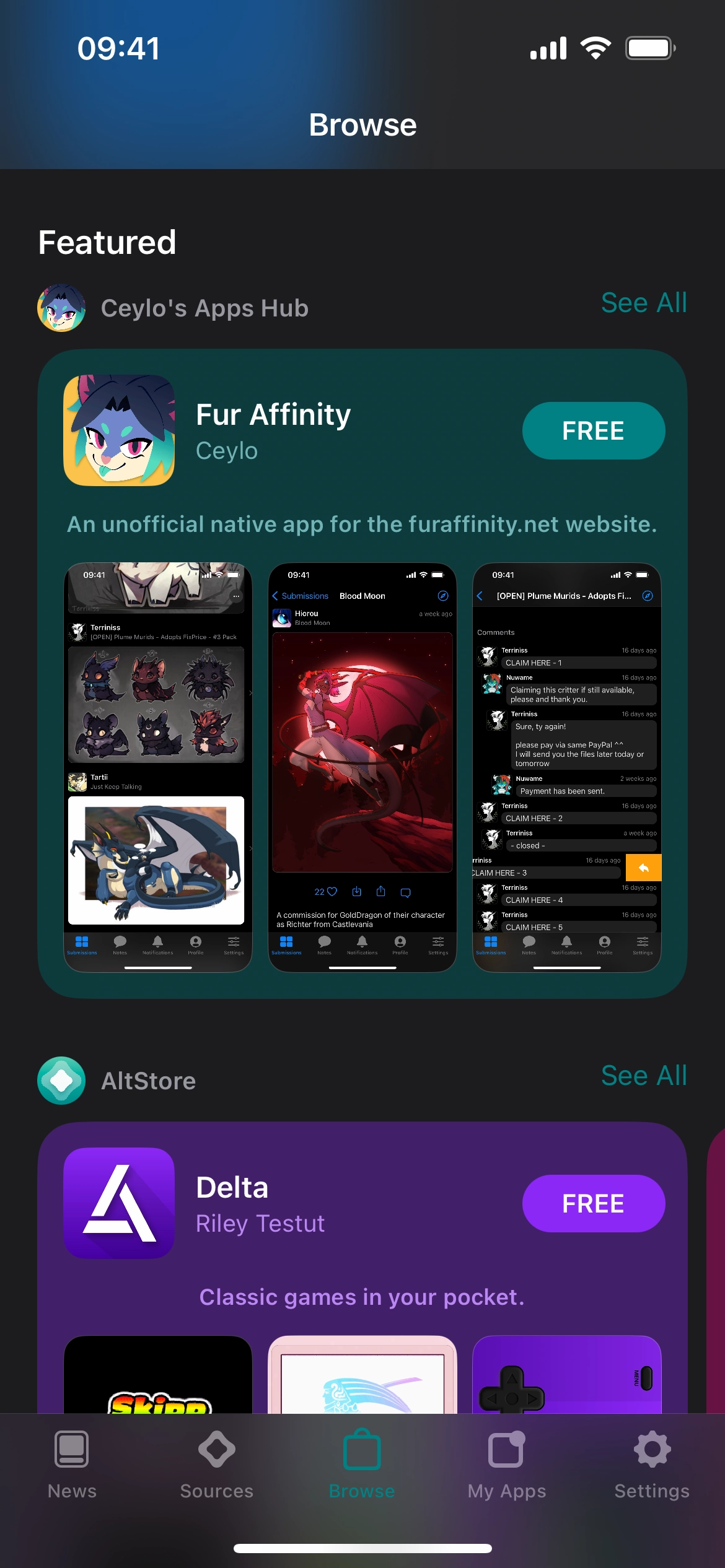
2. Register furaffinity.app in AltStore**
This link will open AltStore. There you can tap Free to install the app! - If you chose to
Addthe source without installing the app, you can later find it from the Browse tab and install it. Enjoy!
*If nothing happens when you try to install AltStore PAL, make sure that you're using the Safari web browser. Not another web browser or an embedded web browser (what happens when you open links from Discord for instance).
**Alternatively, you may also do it manually: in AltStore PAL, Source tab, add the following source: https://get.furaffinity.app/altstore/
 Installation from anywhere
This is an alternative installation method for people who live outside of the EU and Japan. The downside is that you need to refresh the app at least every week. AltStore takes care of it but this requires a computer and more configuration.
Installation steps
- 1. Download and install AltStore Classic and configure it for your computer and iPhone
-
2. From your iPhone, register furaffinity.app in AltStore*
This link will open AltStore. There you can tap Free to install the app! - If you chose to
Addthe source without installing the app, you can later find it from the Browse tab and install it. Enjoy!
*Alternatively, you may also do it manually: in AltStore, Source tab, add the following source: https://get.furaffinity.app/altstore-world/
 Installation on Android
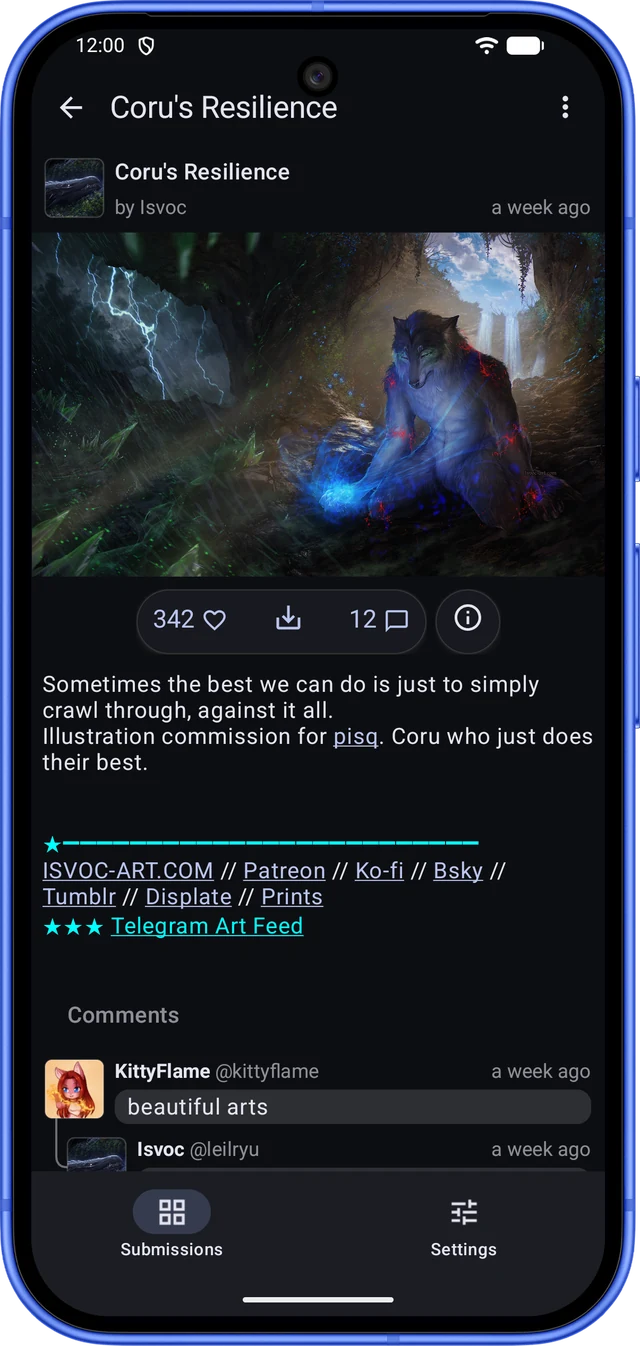
Fur Affinity is now also available on Android phones! The Android version is newer and doesn't do everything the iPhone app does yet, but here is what it already offers:
- Browse the latest submissions from your followed artists, with a badge for new ones, pull to refresh and swipe to remove (with Undo).
- View submissions full-size and zoom in, add favorites, save or share them, and open links from descriptions right in the app.
- Read comments and threads, leave your own and send a note to the artist.
- Read stories in a reader made for them. Music submissions show their details, but can't be played in the app yet.
- Settings for notifications, the image cache, crash reports and logout. The app also tells you when a new version is out.
Not yet on Android: search, journals, notes, notifications and user profiles. These are coming in later releases.
Installation steps
Note: all these steps must be done from your Android phone. It needs Android 9 or later and a 64-bit ARM processor, which almost every phone from the last few years has.
- 1. Download the APK file from the latest release on GitHub (the
.apkfile under Assets) - 2. Open the downloaded file. Android will ask you to allow your web browser to install unknown apps: allow it, then go back
- 3. Tap Install. Enjoy!
The app isn't on the Google Play Store. When a new version is out, the Settings tab shows a badge. To update, download the new APK and install it over the current app. You stay logged in.
Art by Isvoc.
Manual sideloading
For advanced users, the release page on GitHub provides the IPA file (and the APK file for Android) for each release, so you can of course sideload this app with your preferred tool.
If you are a developer, you can also build the app yourself from sources and install it on your device through Xcode. Sources are available on the GitHub project page.